CU Brand Guideline
The Campbellsville University Brand Guideline is the official resource for maintaining a consistent and recognizable university brand across all communications. Whether you're creating print materials, digital content, social media graphics, presentations, or promotional campaigns, this guide provides the official logos, color palette, typography, brand standards, and usage guidelines for Campbellsville University, our regional education centers, and athletics.
Brand Refresh Announcement
Campbellsville University is proud to introduce our refreshed academic and athletics brand identity. While our visual identity has evolved, our mission remains the same: to provide Christ-centered, quality education that prepares students to find their calling and make a difference in the world. As part of this transition, updated logos and brand standards will be used across university communications, signage, printed materials, apparel, and other branded items.
Download the new Campbellsville University Brand Guideline to learn how to use the official logos, brand standards, and visual identity resources.
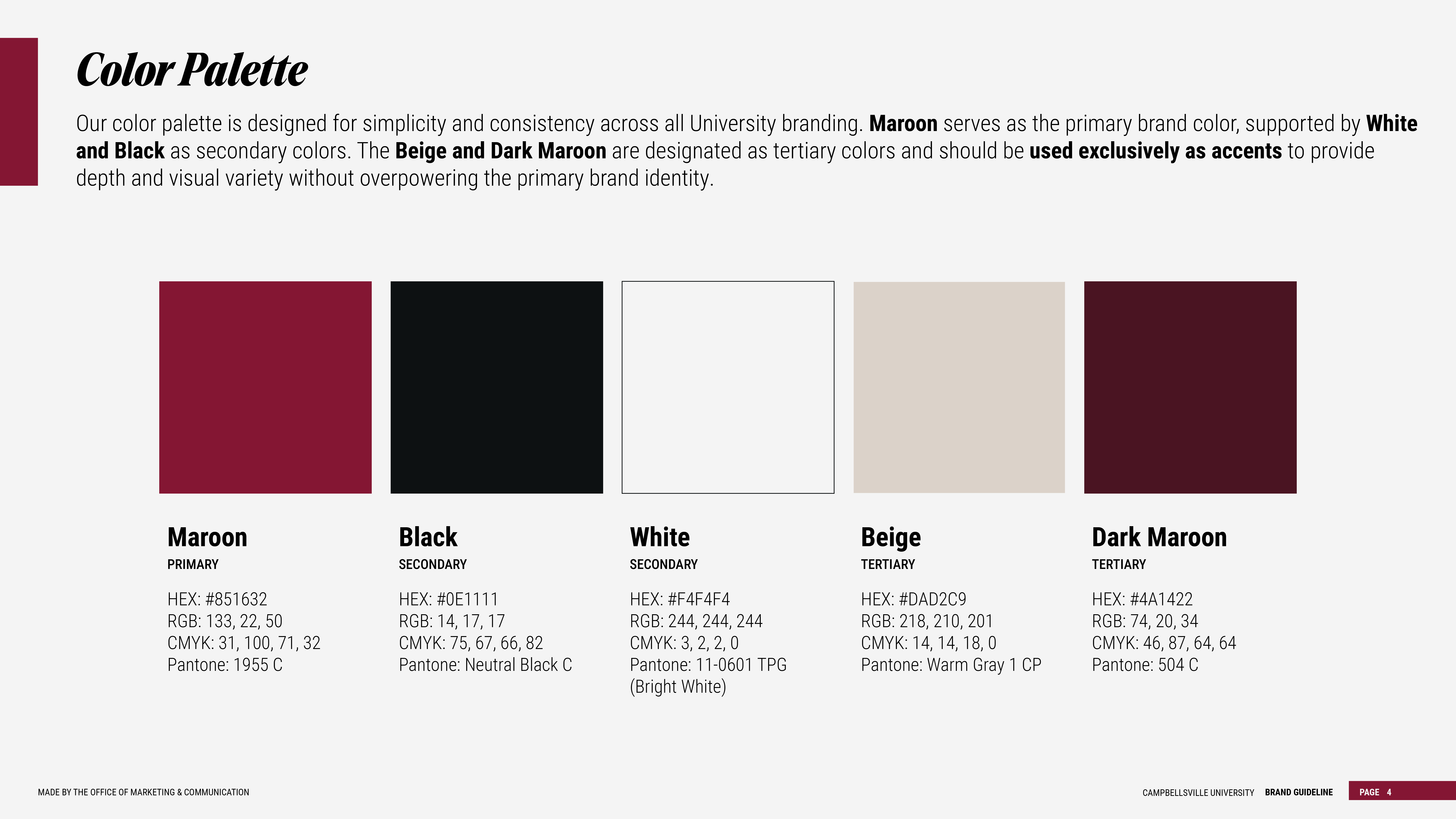
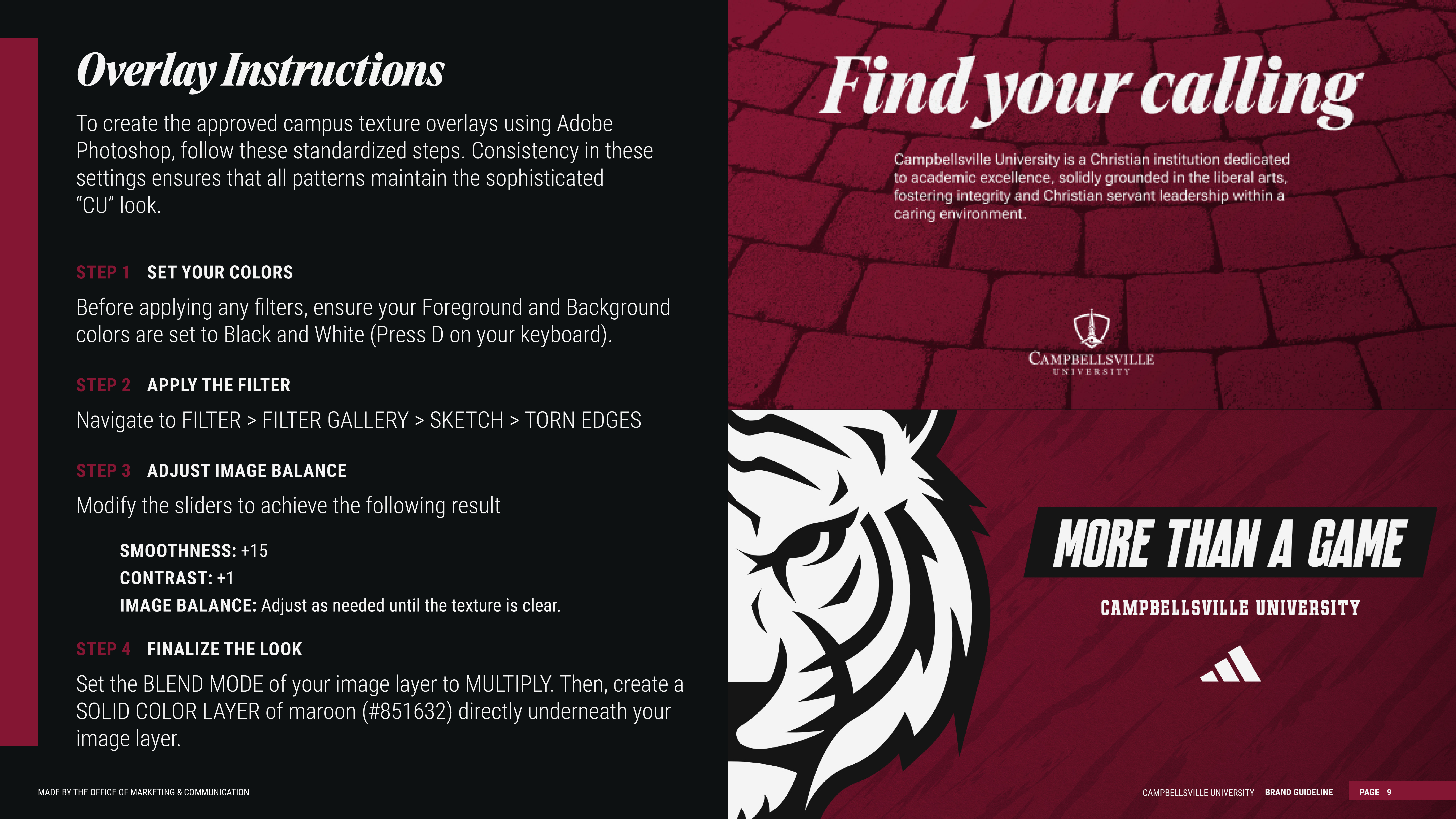
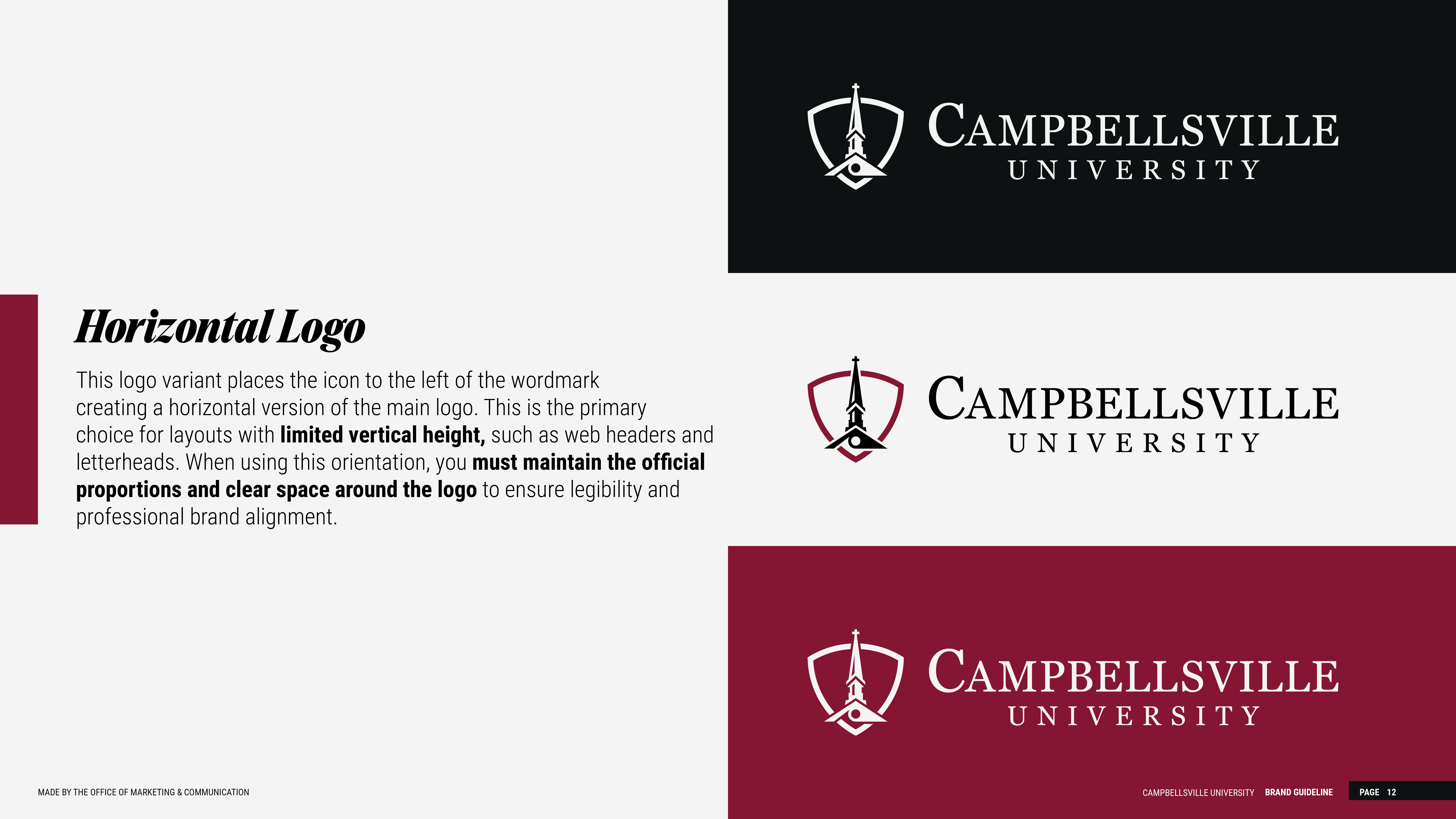
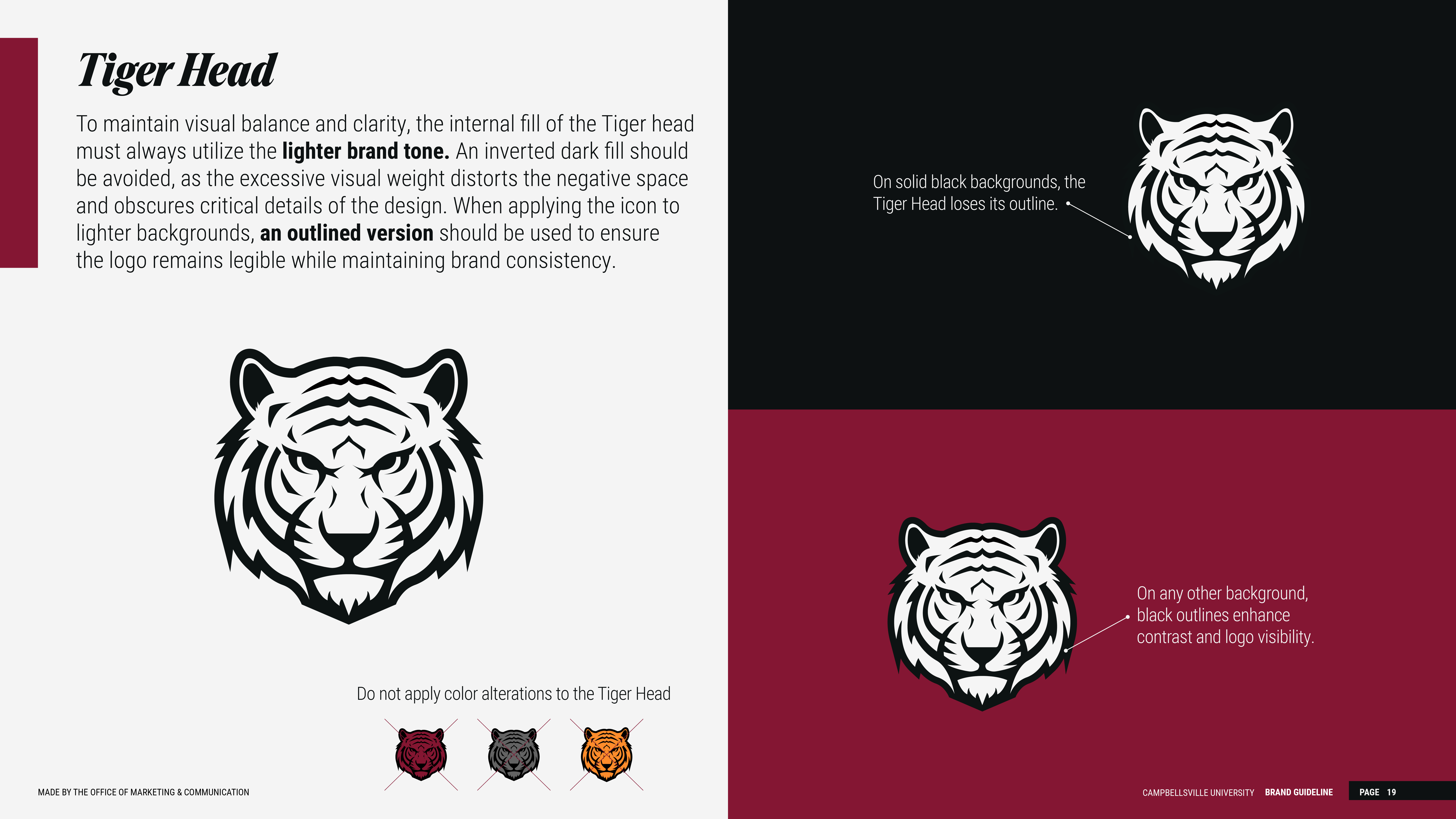
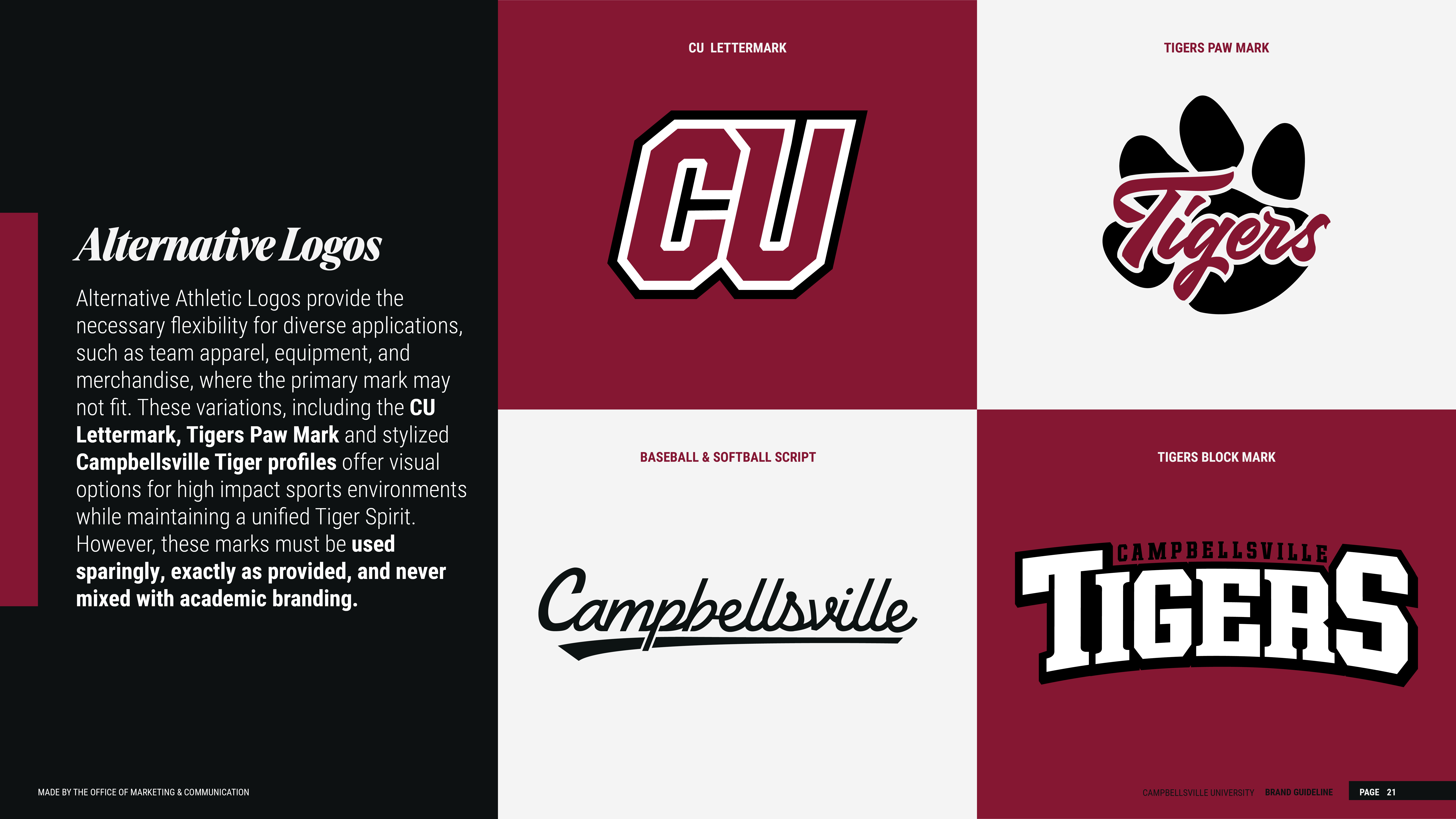
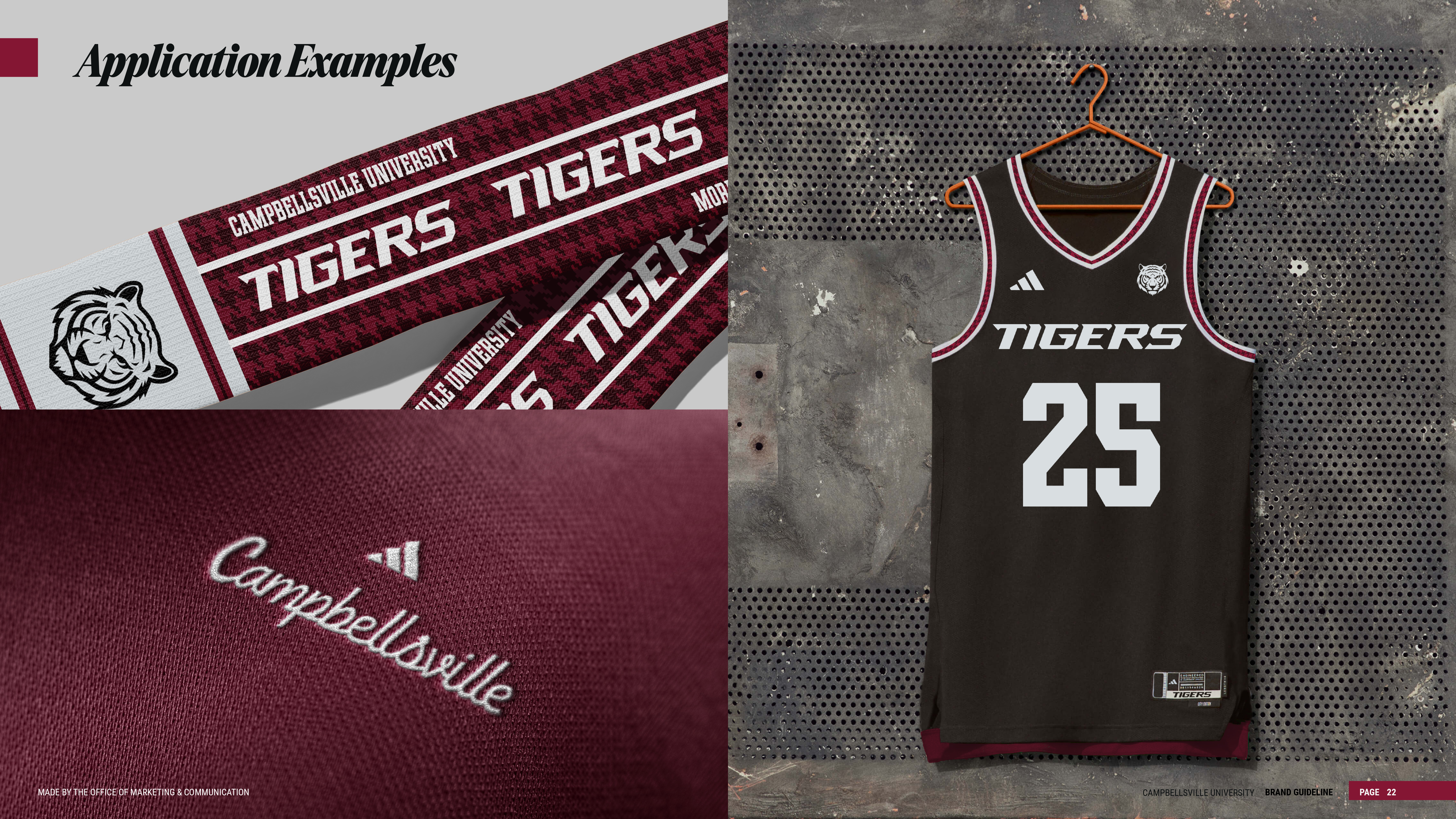
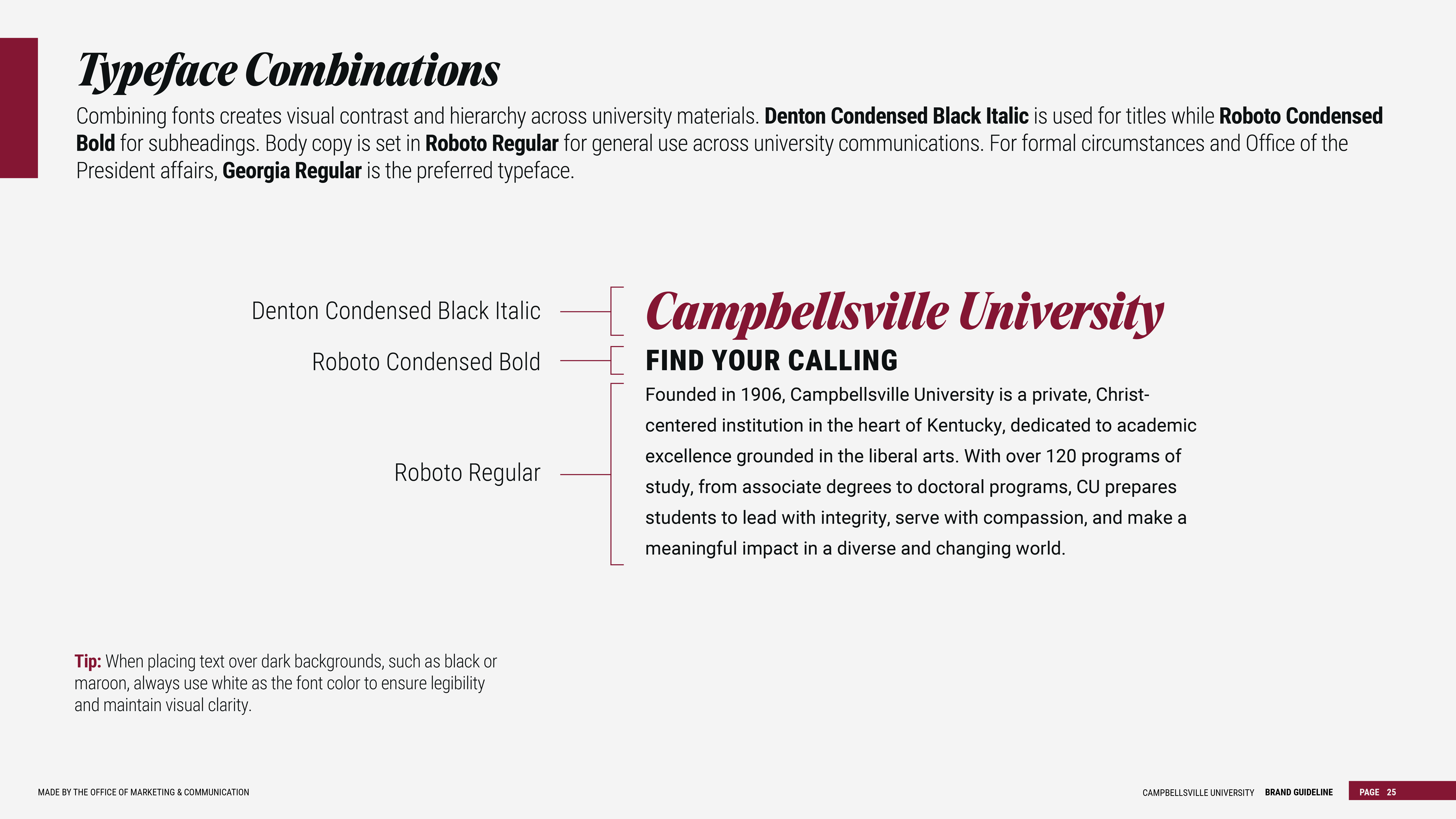
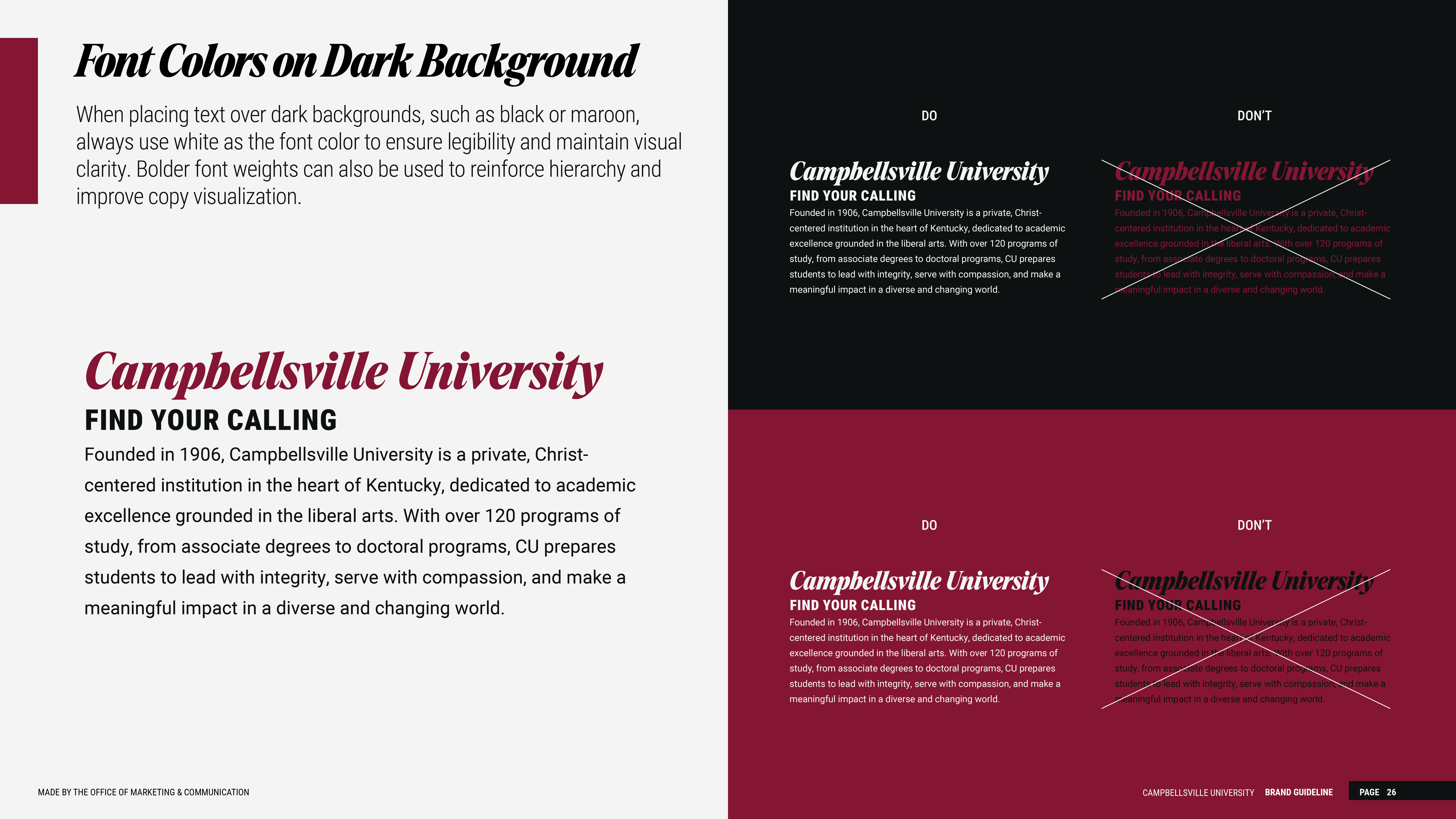
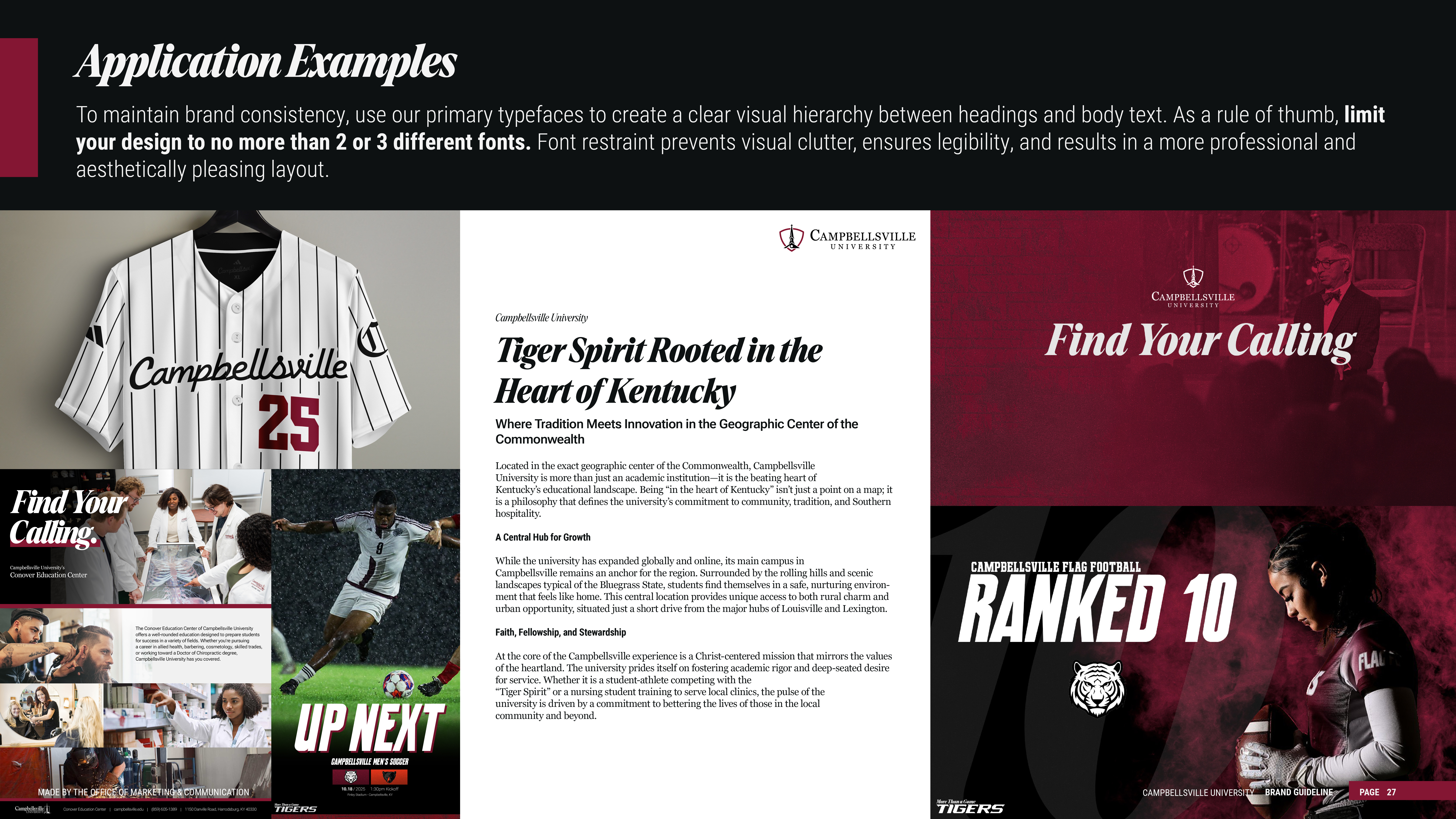
Official Logos
Campbellsville University’s official logos are available for approved university and promotional use. To help ensure brand consistency, please use only current logo files and follow the standards outlined in these brand guidelines.
University employees can access official logo files through the CU Employees Hub under Employee Documents - CU Logos 2026. External partners, vendors, media, and other non-employees may request approved logo files by contacting the Office of Marketing and Communications at marketing@campbellsville.edu.
Marketing Request Process
If your department needs support with a rebrand-related project, such as brochures, signage, promotional materials, digital graphics, apparel, or other branded items—please begin by submitting the Marketing Request Form.
Once a request is submitted, it will be routed to the appropriate member of the Office of Marketing and Communications. A member of our team will follow up to discuss the project, answer questions, and help determine the best next steps. This process helps us prioritize projects effectively while ensuring each department receives the support it needs.
Brand Standards and Departmental Use
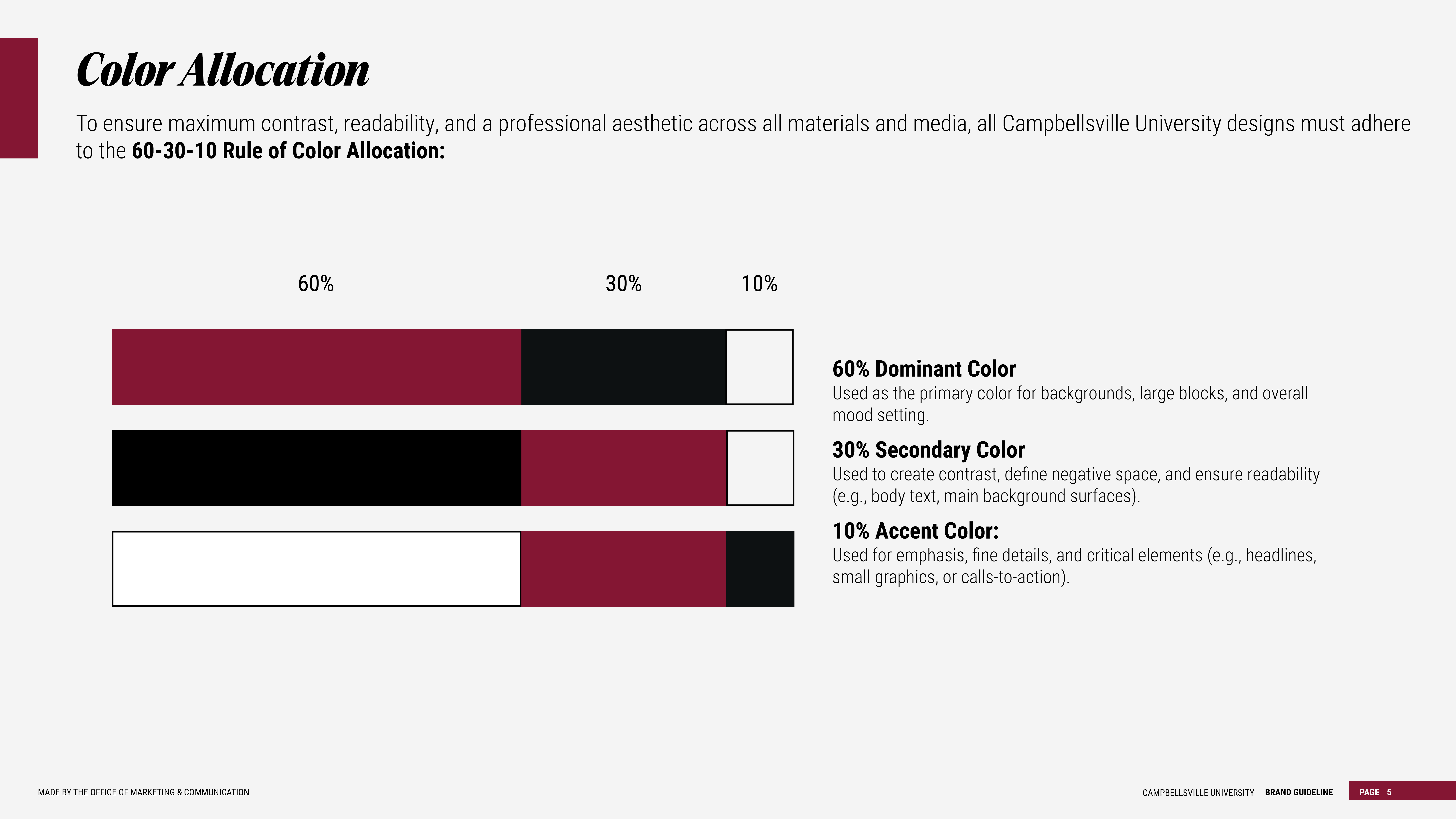
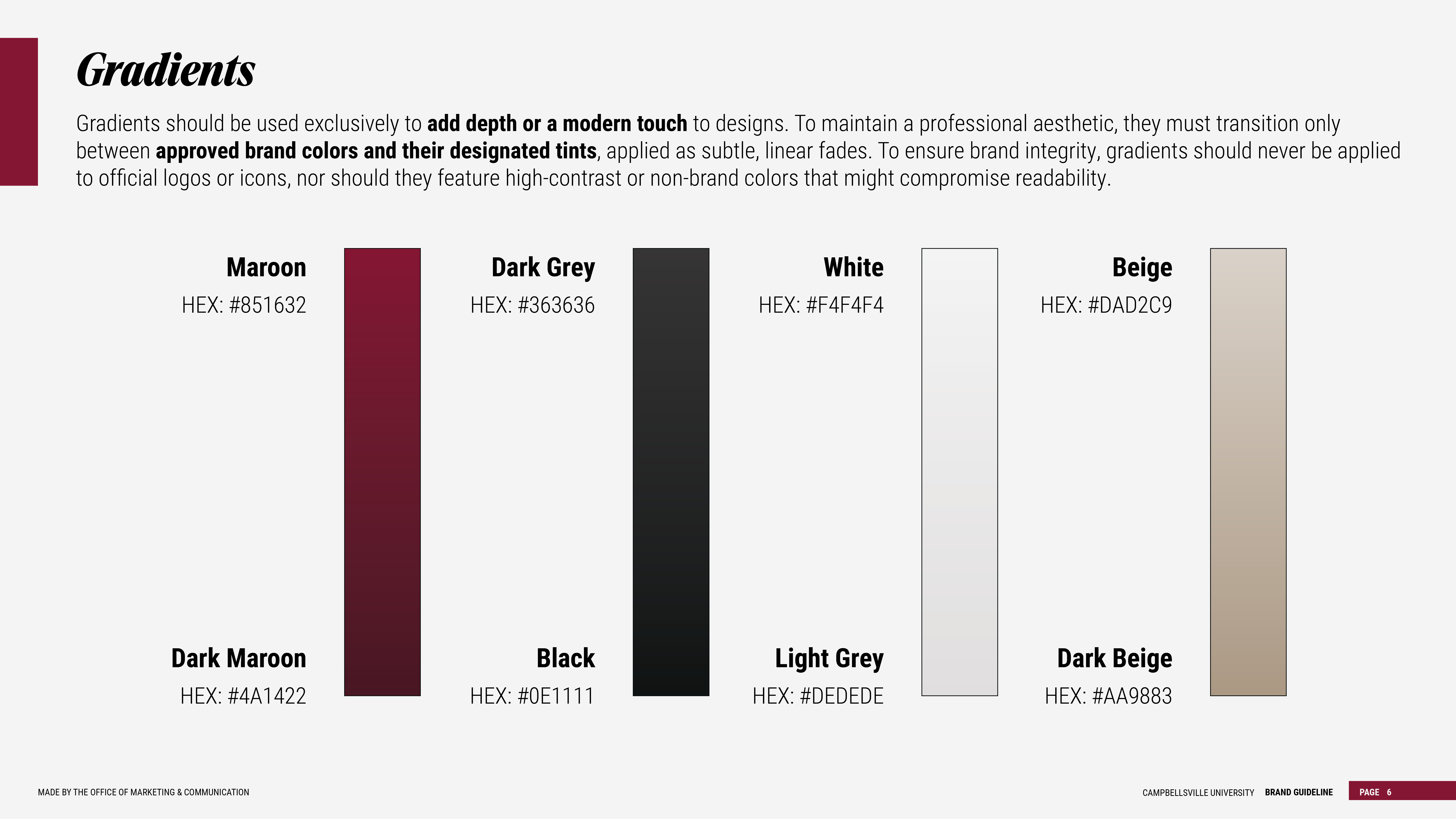
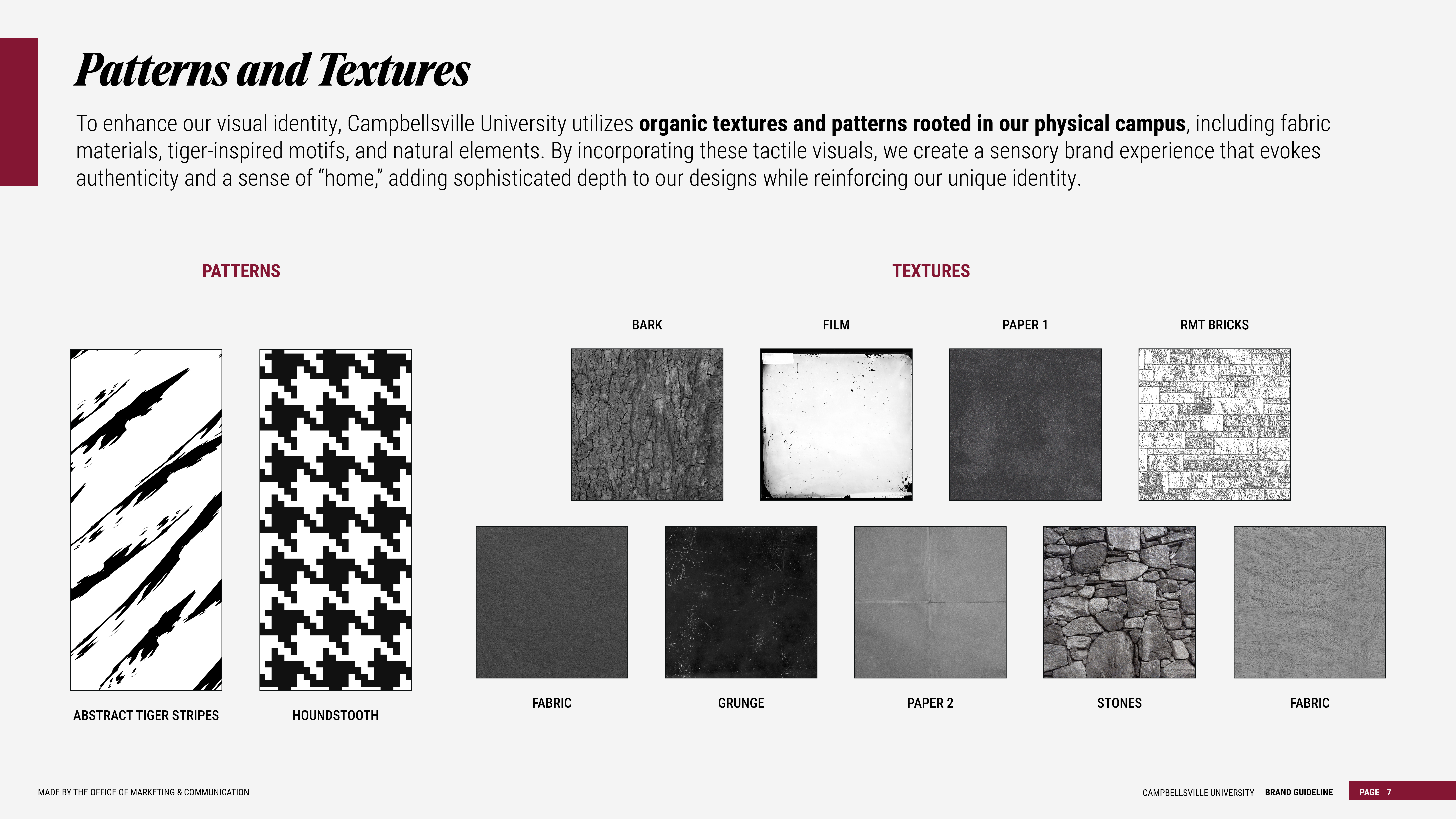
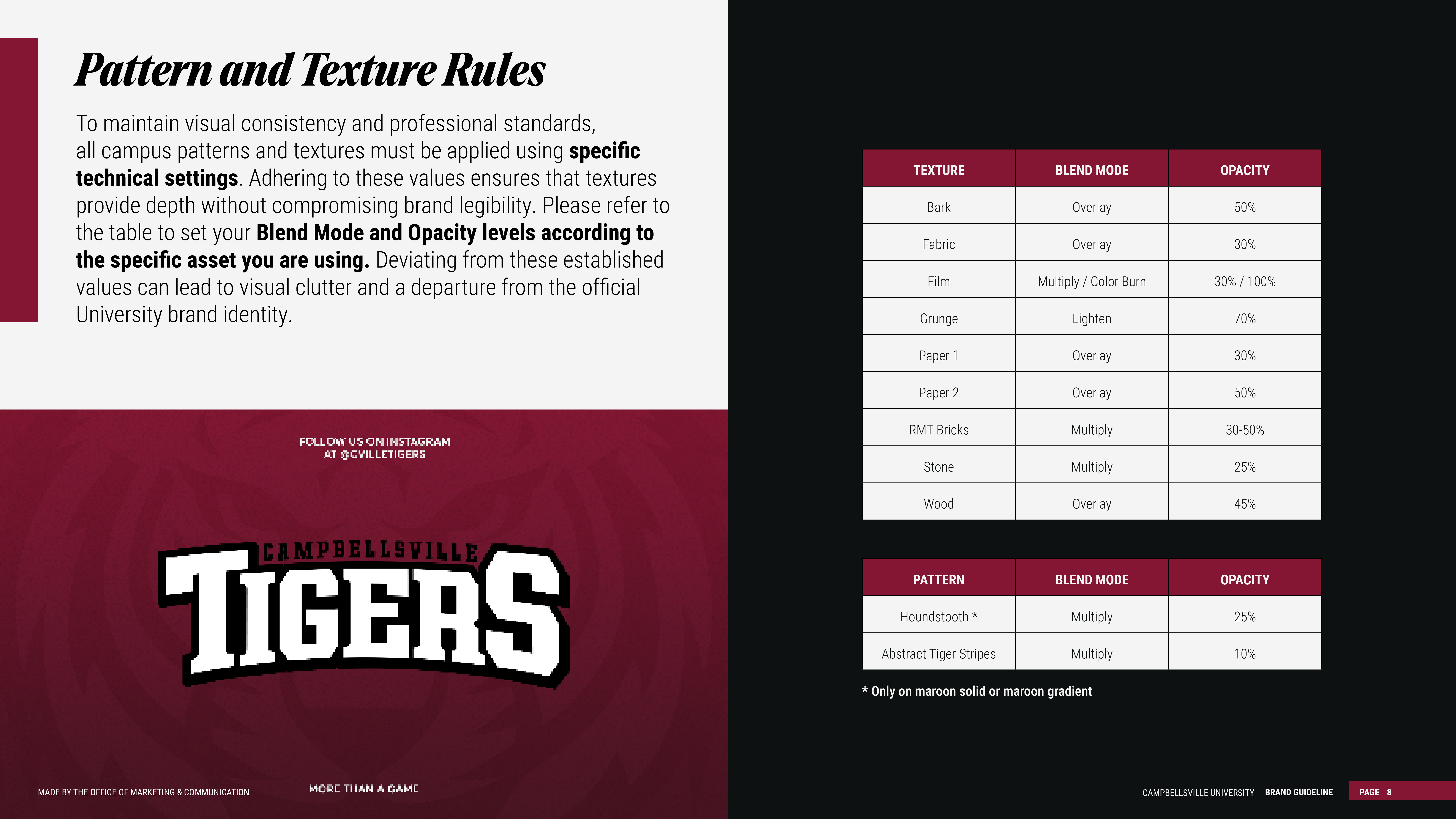
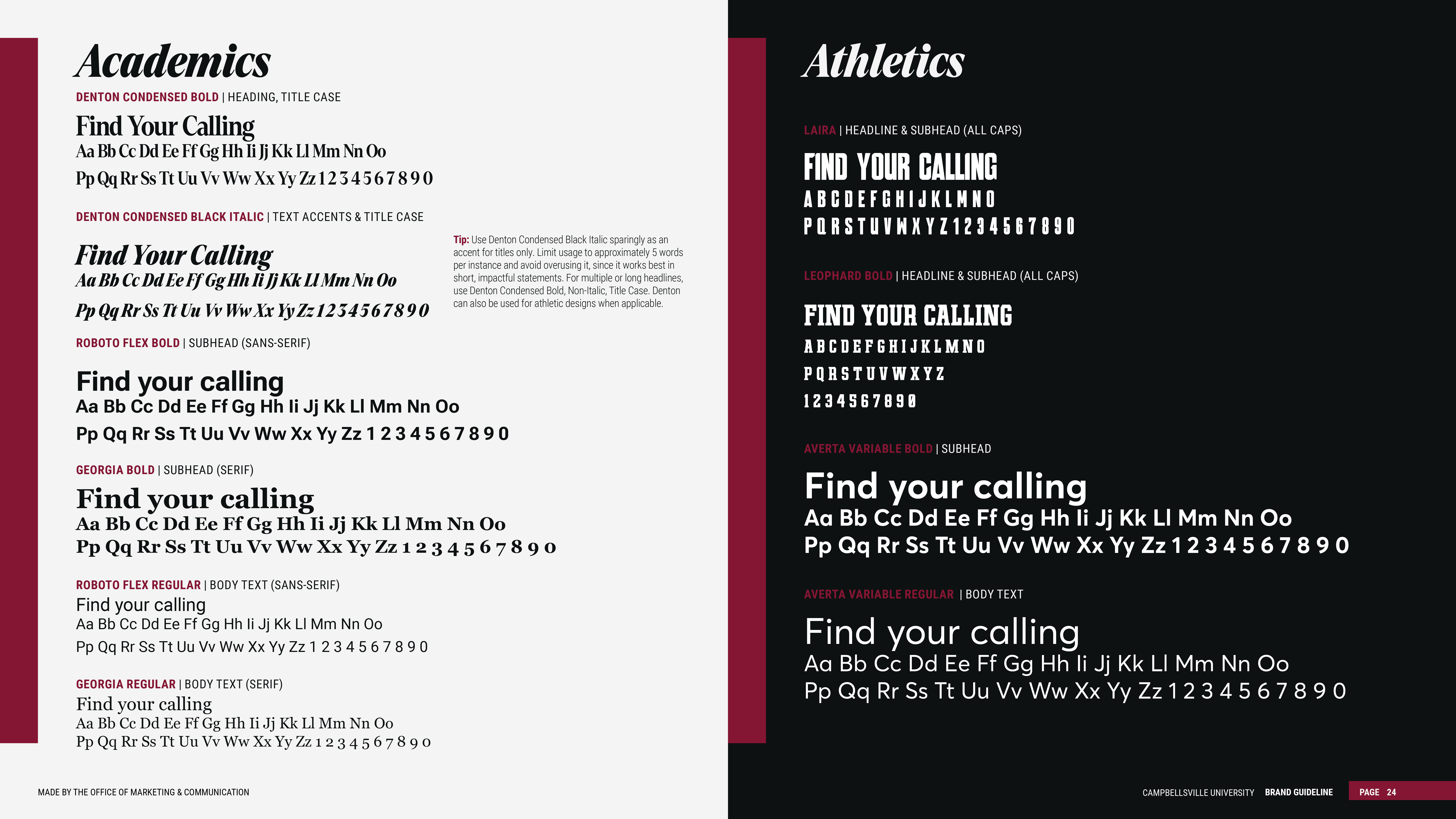
To help present one unified Campbellsville University brand, we ask for your partnership in using approved logos, colors, fonts, and visual standards whenever possible.
Materials intended for prospective students, external audiences, or university recruitment efforts, including admissions pieces, recruitment publications, advertising, major promotional campaigns, and other public-facing marketing materials, should be created in collaboration with the Office of Marketing and Communications. Our team is happy to help develop these materials while ensuring they align with university brand standards.
Departments are welcome to continue creating content for their own social media channels, internal campus communications, event flyers, and similar day-to-day materials. We simply ask that these materials use approved brand assets and follow the visual guidelines outlined on this page to help maintain a consistent Campbellsville University identity across campus.
AI Usage Disclaimer
Campbellsville University’s brand assets, including logos, marks, and official visual identity elements, must be used in their original, unaltered form. The use of artificial intelligence (AI) tools or automated design platforms to recreate, modify, distort, or generate variations of official Campbellsville University logos or brand elements is not permitted. These tools may unintentionally alter proportions, colors, typography, or spacing, which can compromise brand consistency and recognition. To make sure accuracy and maintain the integrity of the Campbellsville University brand, please use only approved logo files and assets provided through official university channels.
If additional file formats, logo variations, or branded assets are needed, please contact the Office of Marketing and Communications at marketing@campbellsville.edu.
Questions?
If you have questions about the new brand, logo usage, or the marketing request process, please contact the Office of Marketing and Communications at marketing@campbellsville.edu.