Workday Student Help
Campbellsville University is excited to introduce Workday Student for faculty, staff, and students as our centralized system for managing academic and student information. Workday Student replaces Tigernet and allows users to access course registration, academic records, advising information, and progress tracking all in one streamlined platform.
Get Started
Students can access Workday by logging in with their Campbellsville University credentials to access their student profile and essential services. This page provides step-by-step guidance to help you navigate Workday with confidence, including updating personal information, viewing academic progress, and managing your student account.
Workday helps you track your academic progress, plan courses, and stay on track with your degree requirements. Use this section to access guides and resources for managing your academic planning and making informed decisions about your coursework at Campbellsville University.
Workday makes course registration simple and efficient. Access your schedule, register for classes, and review course details all in one place. This section provides helpful guides to assist you in navigating the registration process at Campbellsville University.
Workday provides essential tools for managing your student information, from viewing grades to updating personal details. This section offers easy-to-follow guides to help you navigate the basic features and make the most of your Workday experience.
Once you have logged in, you will be taken to your Workday homepage. This page provides access to announcements, action items, notifications, menus, and a message inbox to help you manage tasks and navigate information.
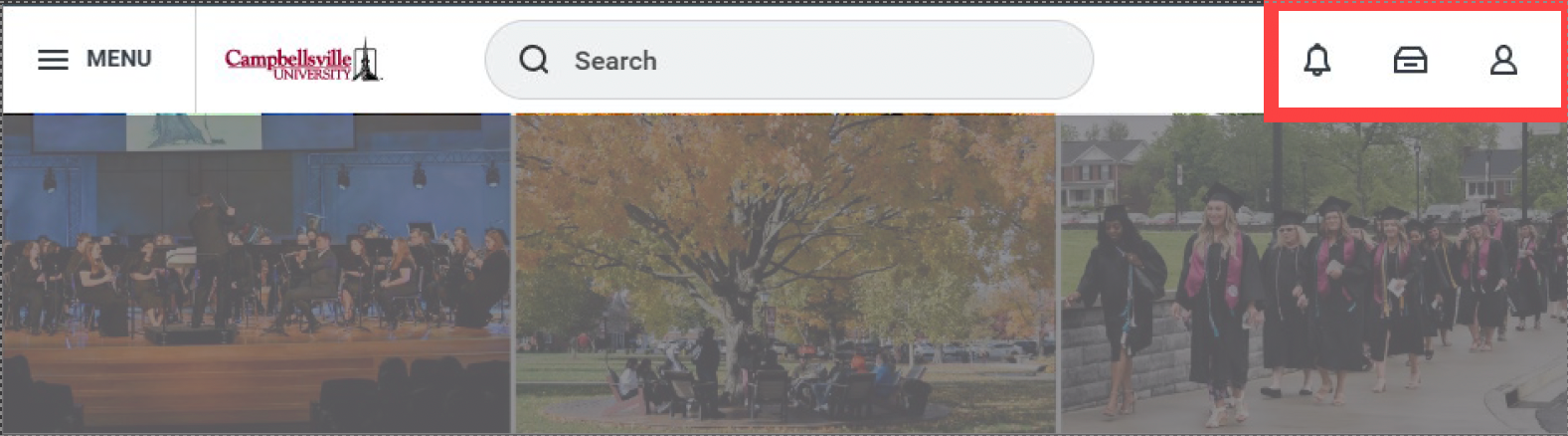
In the top right-hand corner, you will find your Notifications, Inbox, and Profile icons. A red number will appear for the number of new notifications and inbox messages you may have in Workday. Notifications inform you of important information relevant to your role at CU. Your inbox displays important messages and tasks you need to complete (similar to your student email, but separate).
Workday streamlines your student onboarding process, from setting up your profile to completing necessary forms. This section offers guides to help you navigate the essential steps as you begin your journey at Campbellsville University.
Your Workday profile is your hub for managing important employment details at Campbellsville University. From updating contact information and viewing your job history to managing tax documents and benefit elections (if applicable), Workday keeps everything organized in one place. This section provides helpful guides to ensure your profile is accurate, up-to-date, and working effectively for you throughout your time on campus.
Workday helps student employees manage their work schedules, timesheets, and payroll. This section provides guides to assist you in navigating Workday’s features specific to student workers, ensuring a smooth and efficient work experience at Campbellsville University.
Workday allows you to grant third-party access to your academic and financial information. This section provides guides on how to securely share access with parents, guardians, or other trusted individuals, ensuring they can assist you with your university matters.
Need Assistance?
Connect with your Academic Advisor or visit the Badgett Academic Support Center (BASC) to work one-on-one with your Success Coach!